


 Jul 14, 2026
 8 min
8 minEquipment reservation app: prevent conflicts and track returns
Plan an equipment reservation app that prevents double bookings, records returns and damage, and places faulty items on maintenance hold.

New Mobile Application Designer, foreground services for Android, new video player and other significant improvements and bug fixes.
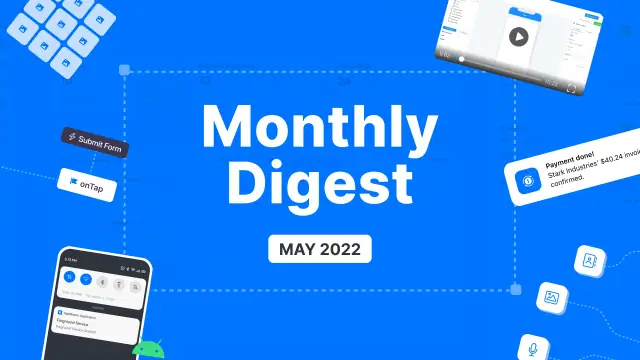
Last month we focused on the studio's design, made the elements even more convenient for interaction, fixed bugs, and added several new features. Explore the latest update and find what's new on the platform.

We made significant improvements in the work of AppMaster with mobile applications.
The Mobile Application Designer now supports push notification triggers and array fields.
We have added blocks and triggers to work with mobile device sensors.
We also added a scheduler to mobile apps to run business processes on schedule.
Enjoy the improved Mobile App Designer. If you don’t know where to start with your mobile application, check the Help Center.

The platform can now create foreground services for Android mobile applications to run the app's background tasks. Foreground services will allow you to display notifications while running background tasks on your apps.

We’ve created a custom video player for our users, which matches the design of the studio.

We’ve added a grid widget to the web app designer so that you can display any data in a grid view.
Stay tuned, and don't miss no-code updates! Join the AppMaster.io community on Discord and chat directly with our developers there!
 What changed for mobile apps in this update?
You can build native mobile apps with visual tools, then generate source code for iOS and Android. The update adds mobile features such as push notification triggers, array fields, device sensor blocks, and scheduled business processes.
What are push notification triggers used for?Push notification triggers let your mobile app start a business process when it receives a push notification. You can use them to refresh data, show a relevant screen, or react to an event from your backend.
Why would I use array fields in a mobile app?Array fields let a mobile app store and handle multiple values in one field. They help when a user selects several items, tags, images, or other repeated data.
Can AppMaster mobile apps use device sensors?The new sensor blocks and triggers let an app work with supported mobile device sensors. This gives you a visual way to build actions that respond to device data without writing the logic by hand.
What does the mobile app scheduler do?The scheduler runs chosen business processes at planned times inside a mobile app. Use it for recurring tasks such as data checks, reminders, or regular updates.
What is an Android foreground service?A foreground service lets an Android app keep an ongoing background task active while showing a notification to the user. It suits tasks that should remain visible, such as active tracking or long-running work.
What is the new video player?The new player is a custom video component that matches the AppMaster Studio interface. It gives you a consistent way to include video in an application.
What can I display with the Grid widget?The Grid widget displays data in a grid layout in a web application. It works well for showing records, products, cards, images, or other repeated content in a structured view.
Which web app elements gained autogeneration?AppMaster expanded automatic setup for components including forms, charts, maps, date pickers, file pickers, email inputs, and enum selectors. This reduces the manual setup needed when you add common interface elements.
Which bugs did the May 2022 update fix?This release improves image caching and data storage, and fixes issues with the bottom navigation bar and the View element in the Web App Designer. Those changes aim to make editing and app behavior more reliable.
Experiment with AppMaster with free plan.
When you will be ready you can choose the proper subscription.
 Jul 14, 20268 min
 Jul 13, 20268 min
 Jul 08, 20268 min