


 Jul 14, 2026
 8 min
8 minEquipment reservation app: prevent conflicts and track returns
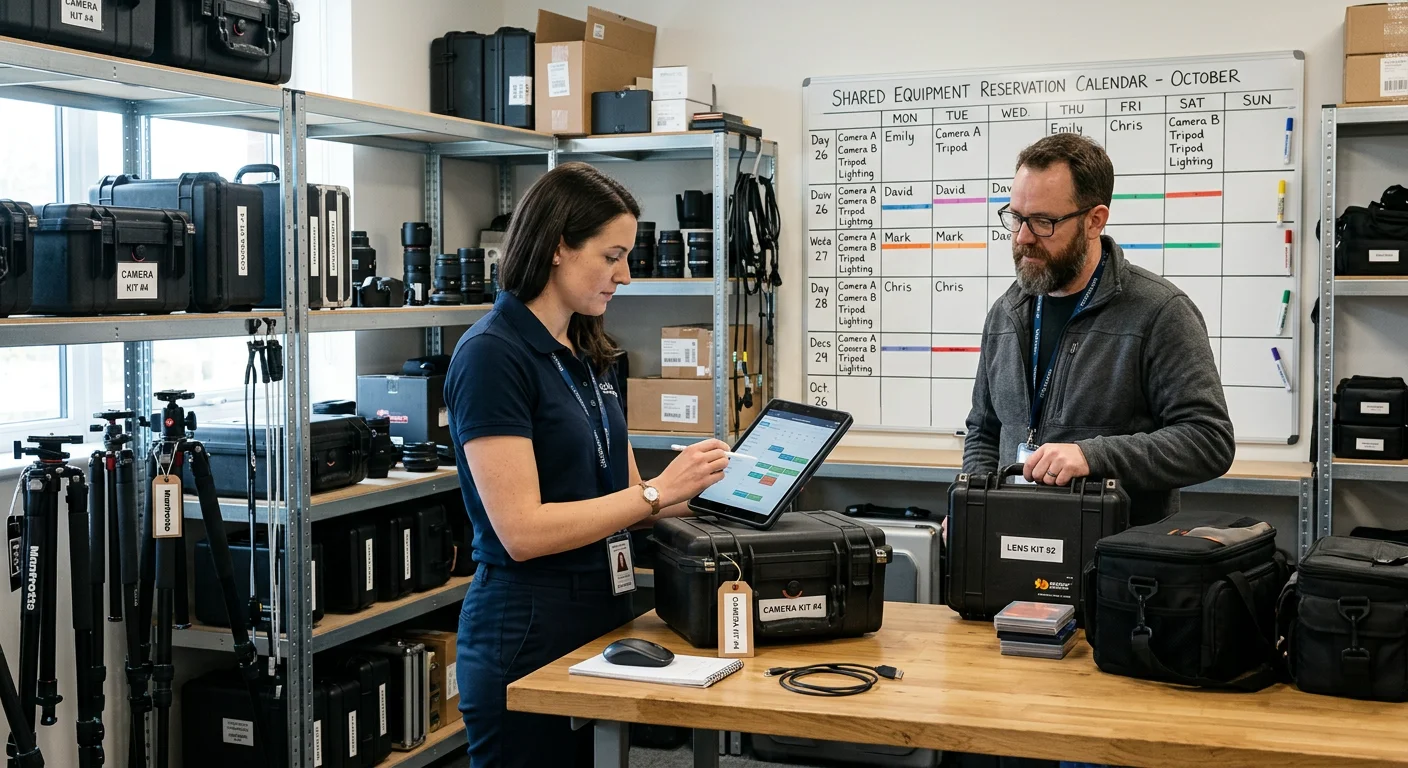
Plan an equipment reservation app that prevents double bookings, records returns and damage, and places faulty items on maintenance hold.

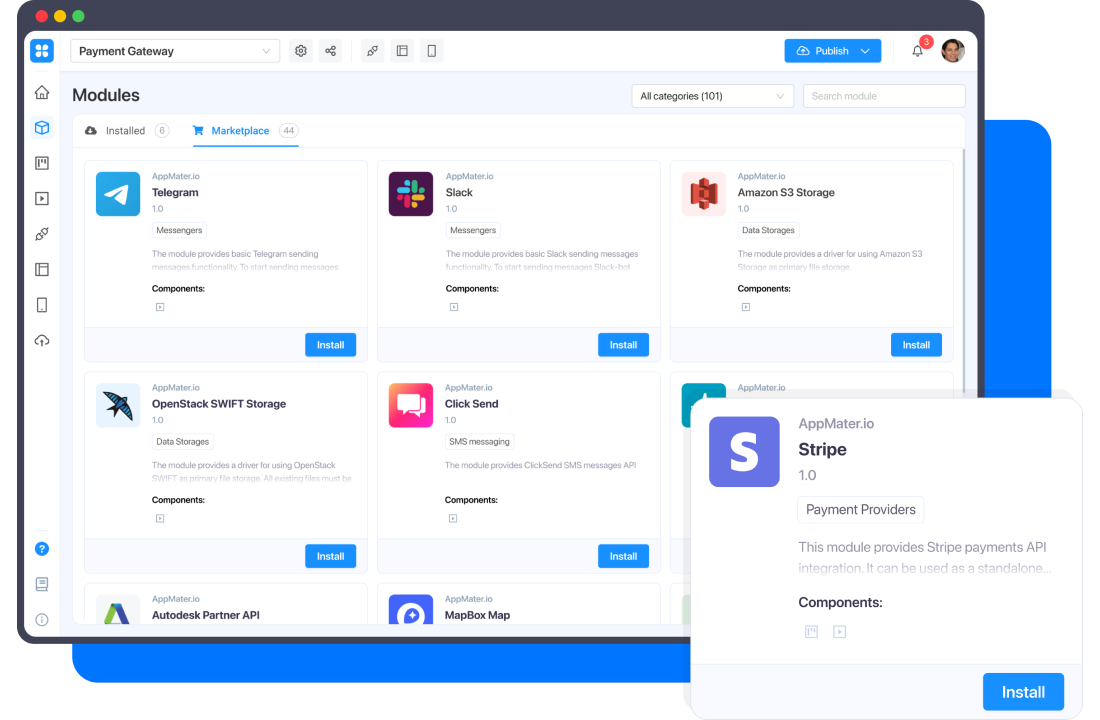
Push notifications, social auth, email, etc — connect your workflow to hundreds of apps and services, or access your content programmatically with API.

Make your workflow more efficient and your apps more powerful. Install and set up any modules from the marketplace without leaving the AppMaster platform.
We have described in detail all the subtleties of working with modules in our documentation using real examples. Explore our video tutorials for a quick start and effective work.
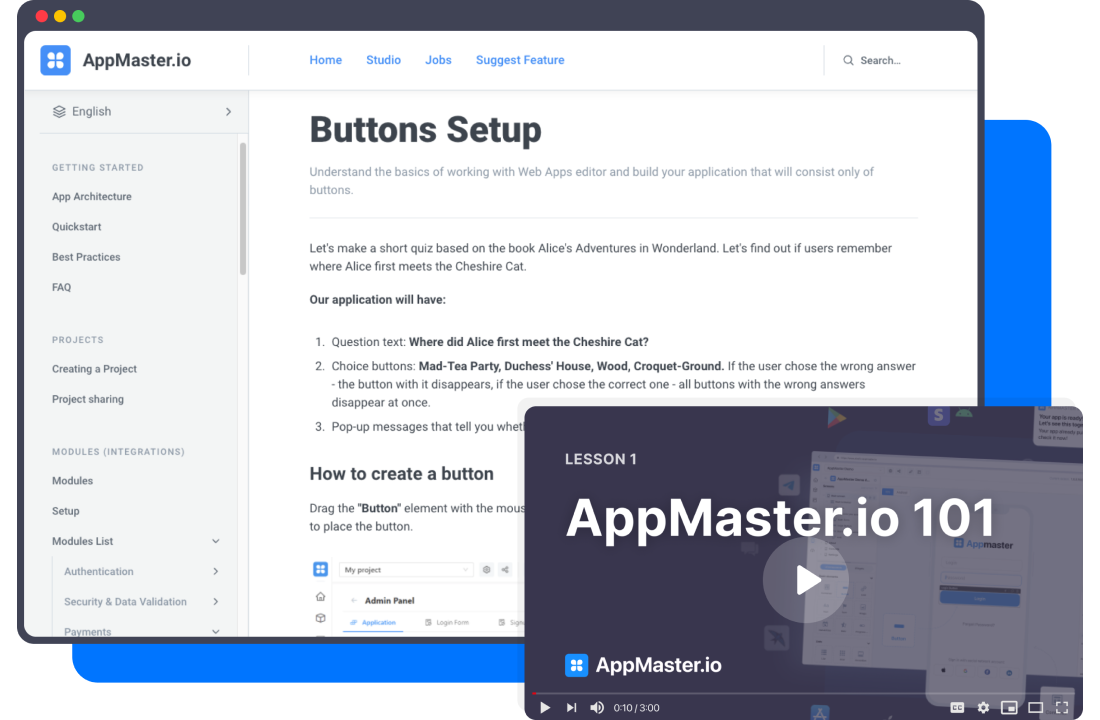
Learn more about AppMaster Modules and how it works.
Jul 14, 20268 min Jul 13, 20268 min
 Jul 08, 20268 min
Experiment with AppMaster free subscription. When you will be ready you can choose the proper paid plan.


