
 Oct 04, 2024
 1 min
1 minAppMaster at BubbleCon 2024: Exploring No-Code Trends
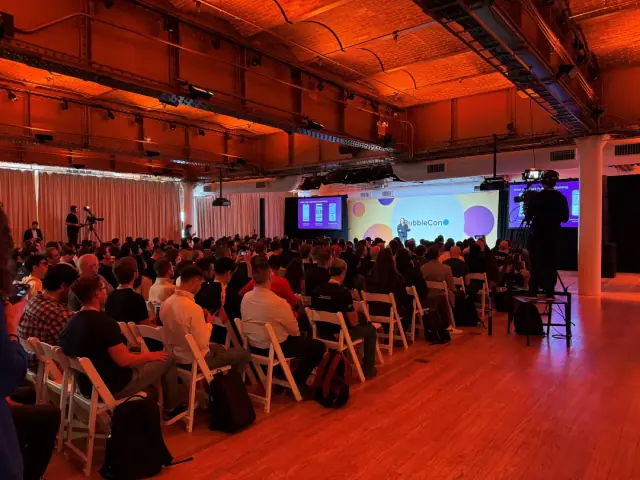
AppMaster participated in BubbleCon 2024 in NYC, gaining insights, expanding networks, and exploring opportunities to drive innovation in the no-code development space.

Google Maps is enhancing its discovery and navigation capabilities with new glanceable directions, updates to Recents on desktop, and an expanded Immersive View featuring over 500 landmarks. These updates aim to improve user experience in time for the summer travel season.
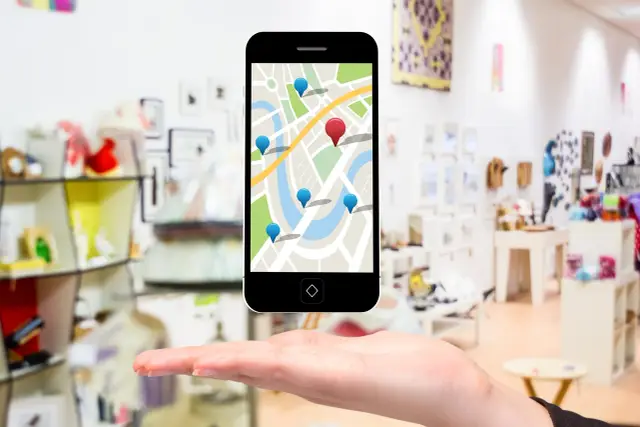
In time for the summer travel season, Google Maps is introducing new features to enhance discovery and navigation. The upgrades include glanceable directions, an updated Recents feature on desktop, and an expanded Immersive View.
Glanceable directions, initially announced by Google in February, will roll out this month for Android and iOS users. The updated navigation feature allows users to track progress for walking, cycling, and driving trips from their lock screen or route overview. Furthermore, it shows updated ETAs and notifications about each turn on their journey, making the navigation experience smoother and more efficient.
A shortcut called Recents, which automatically organizes places users researched in Maps, has been updated on the desktop version. Soon, the Recent highlights section will save places even after closing the Google Maps window. Along with this, Google plans to introduce tools for removing viewed places, creating custom routes between destinations, and sharing selected places with others.
Lastly, the Immersive View, an AI-powered feature of the iOS and Android Maps app, is expanding to cover over 500 landmarks, including notable sites such as Prague Castle and Sydney Harbour Bridge. The Immersive View merges multiple images to form a multidimensional perspective of the global landscape.
In a blog post, Christina Tong, senior product manager at Google Maps, expounded on the updates, saying, With the time slider [in Immersive View], you can see what the weather will be like at different times of day and how crowded it will be so you can plan ahead. And where we have data available, you can peek inside of restaurants and cafes to help you decide whether you want to make a reservation.
These Google Maps updates are the latest in a series of advancements that aim to simplify and improve the user experience in exploring and navigating the world. For creators looking to build sophisticated applications with low-code, no-code tools, platforms like AppMaster.io offer powerful solutions for backend, web, and mobile app development. The best no-code backend tools enable users to build applications faster and more cost-effectively, democratizing app development for citizens and enterprises alike.
 Oct 04, 20241 min
 Sep 23, 20241 min
 Aug 08, 20241 min
Experiment with AppMaster with free plan.
When you will be ready you can choose the proper subscription.


